Introducing Dark Mode
Kinpal now supports a new dark theme, giving you more control over how the app looks and feels.
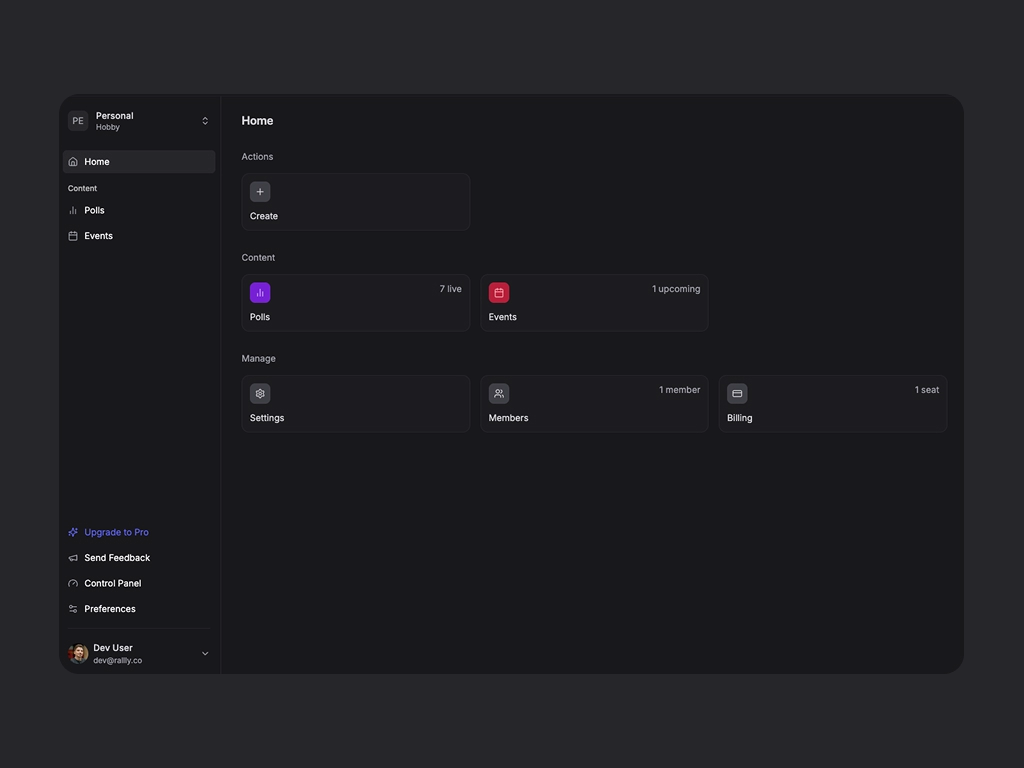
By default, Kinpal follows your system preferences so if your device is set to dark mode, Kinpal will automatically switch to match. You can also manually toggle between light and dark themes in your account preferences.
This update is part of a larger effort to make Kinpal more customizable. You might notice some subtle changes to the app's appearance. I'm building theming capabilities that will let you customize colors and branding to match your company's visual identity. More on that soon.
I'd love to hear what you think. Share your feedback at feedback@kinpal.com.

Kinpal