Video call links, created when you finalize
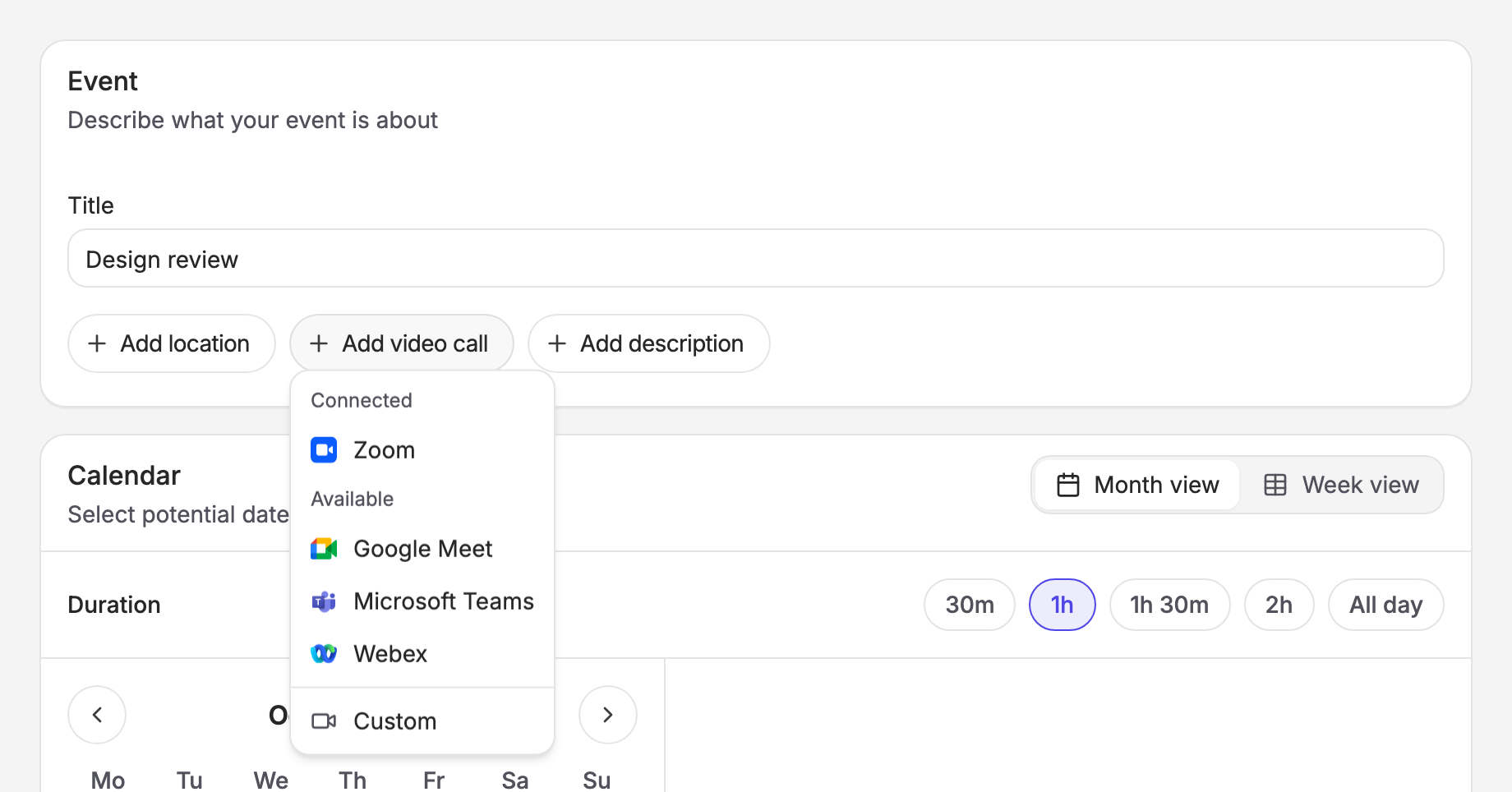
Kinpal can now create the meeting link for you. Connect Google Meet, Zoom, Microsoft Teams or Webex, add a video call to your poll, and when you finalize, Kinpal creates the meeting for the chosen time and puts the join link in the event, the calendar invite and the confirmation emails.
No more creating a meeting by hand once the votes are in and pasting the link into a follow up email.
How it works
- Open Settings and choose Conferencing.
- Click Connect next to the provider you use and approve the connection.
- When you create a poll, click Add video call and choose that provider. Participants see which service you'll be using while they vote.
- When you finalize, the meeting is created on your account for the chosen time.
Everyone you notify gets the video call link in their confirmation email and calendar invite, so there's nothing to send separately. Participants can also join straight from the poll page.
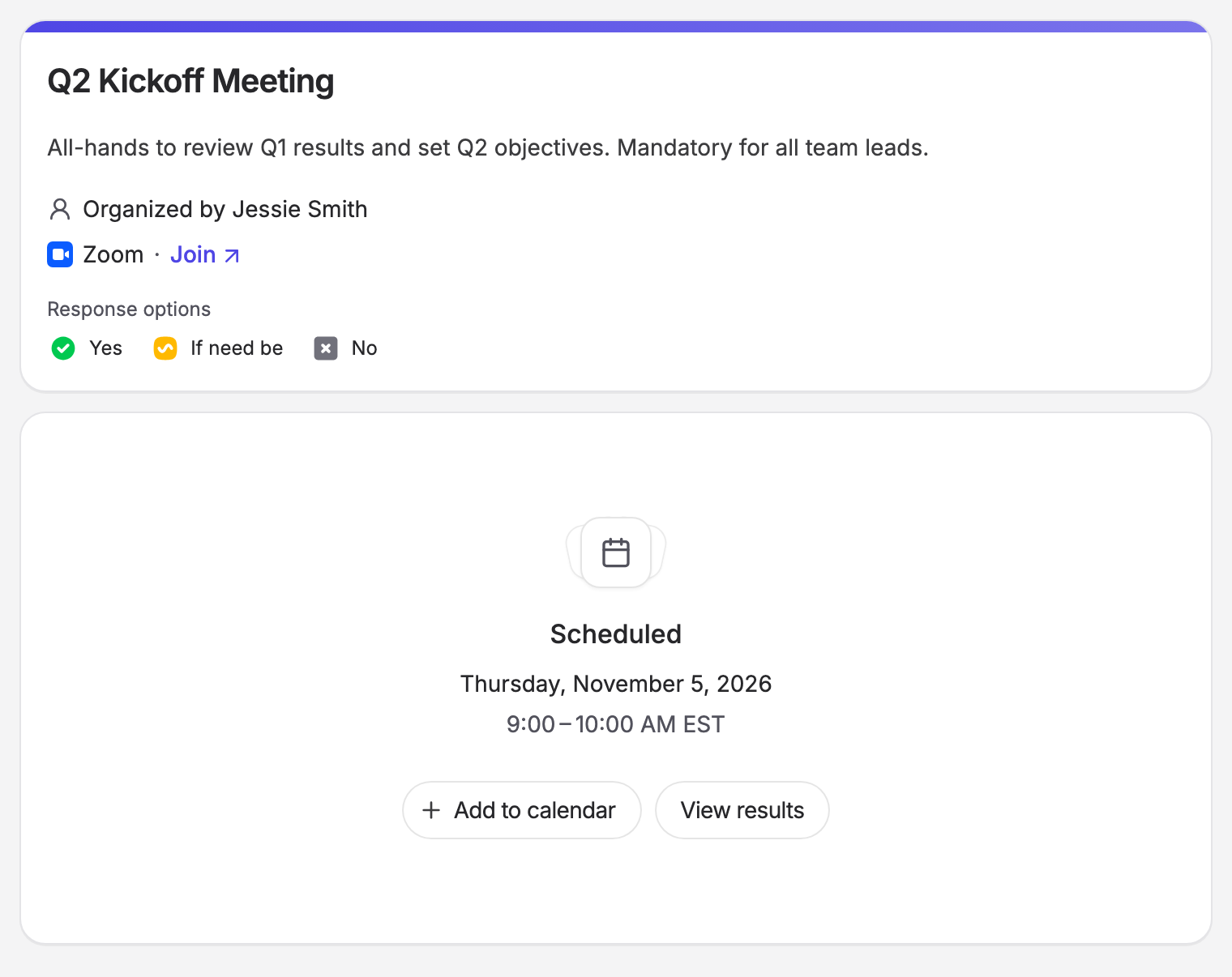
The meeting is created on the account you connected, so your usual settings, like waiting rooms, passcodes and lobby rules, still apply.
Google Meet works on every plan, including free. Zoom, Microsoft Teams and Webex are part of Pro.
If you'd rather use something else, you can still add any video call with your own link.
Setup guides
Each integration has a guide covering requirements, permissions and how to disconnect:
If you run into any problems or there's a provider you'd like to see next, let me know at feedback@kinpal.com.
Happy scheduling :)
